Getting Started
The purpose of this guide is to illustrate some of the main features that
wmp-face provides. Please refer to our installation
instructions
wmp-face is a Python module for face detection & recognition built on top
of dlib’s facial recognizer. It also provides tools for visualizing results -
montages, facemarks.
Detection
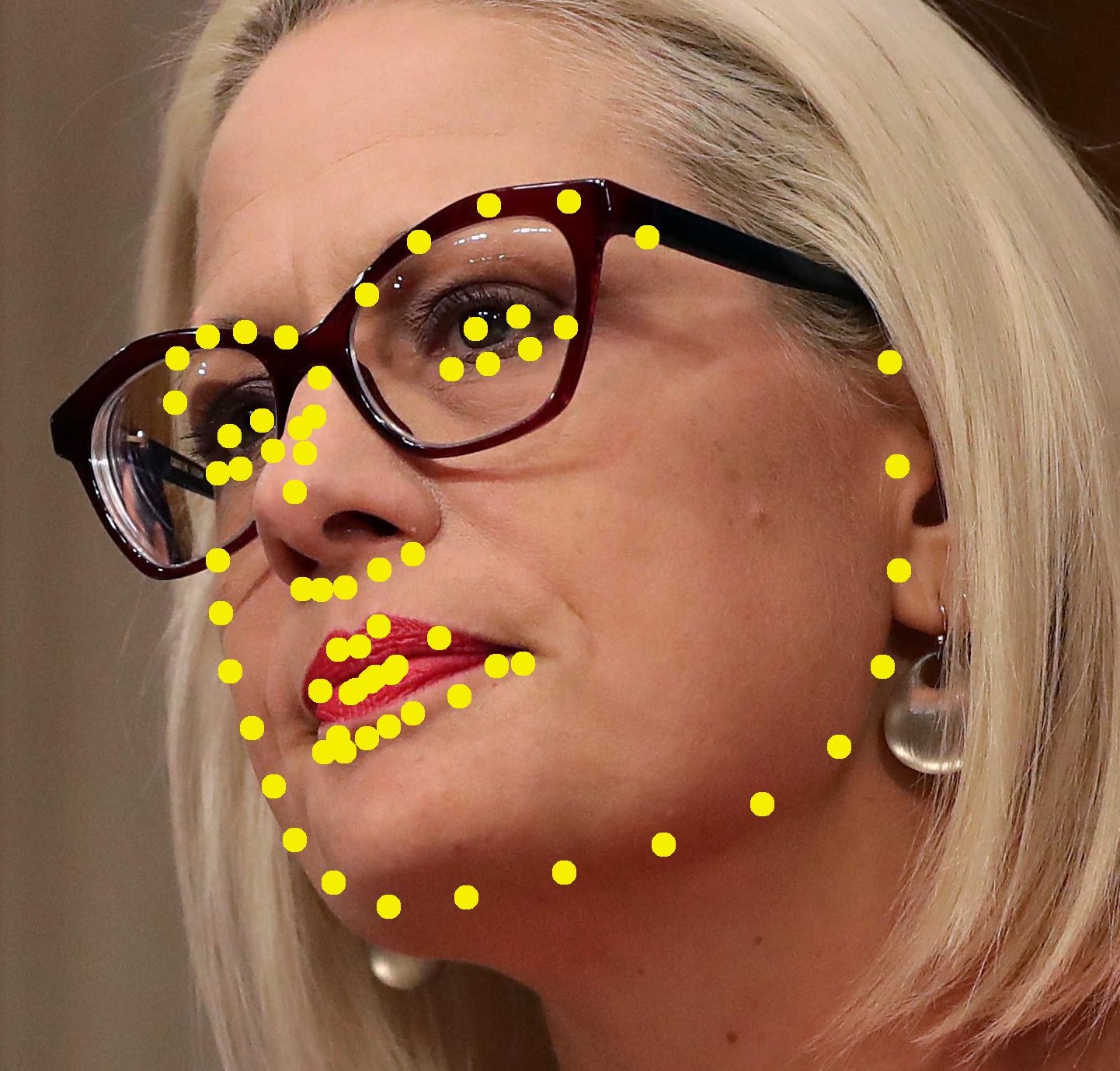
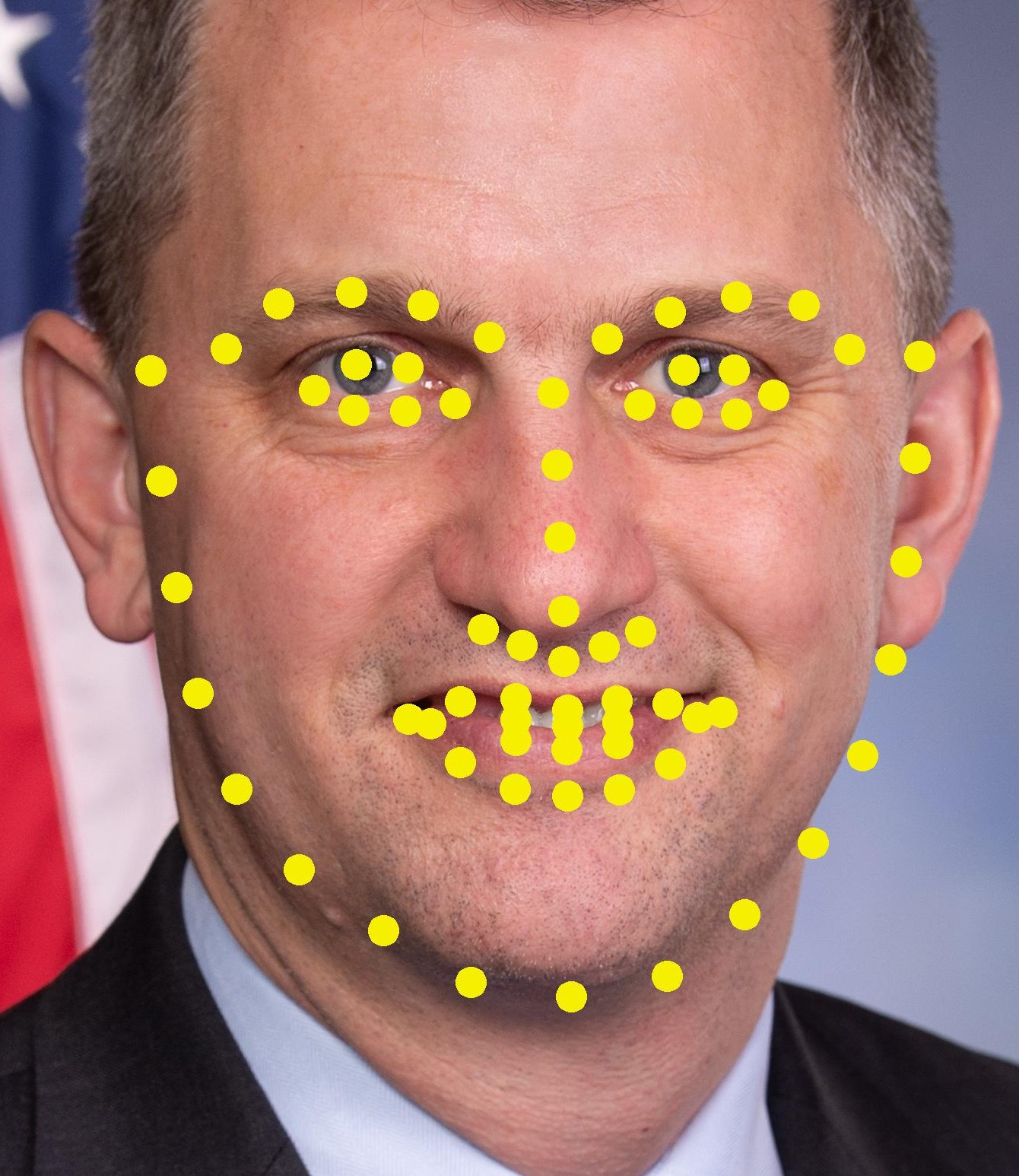
Detecting where a face is located within the image is always the first step of facial recognition. To detect a face in an image, and crop out the face thumbnails:
$ fd = detect.FaceDetector()  # can be different detectors
$ face_image = detect.FaceImage(IMG)
$ face_image_results = fd.find_faces(face_image)
$ face_image_results.write_faces(OUTDIR)
Recognition
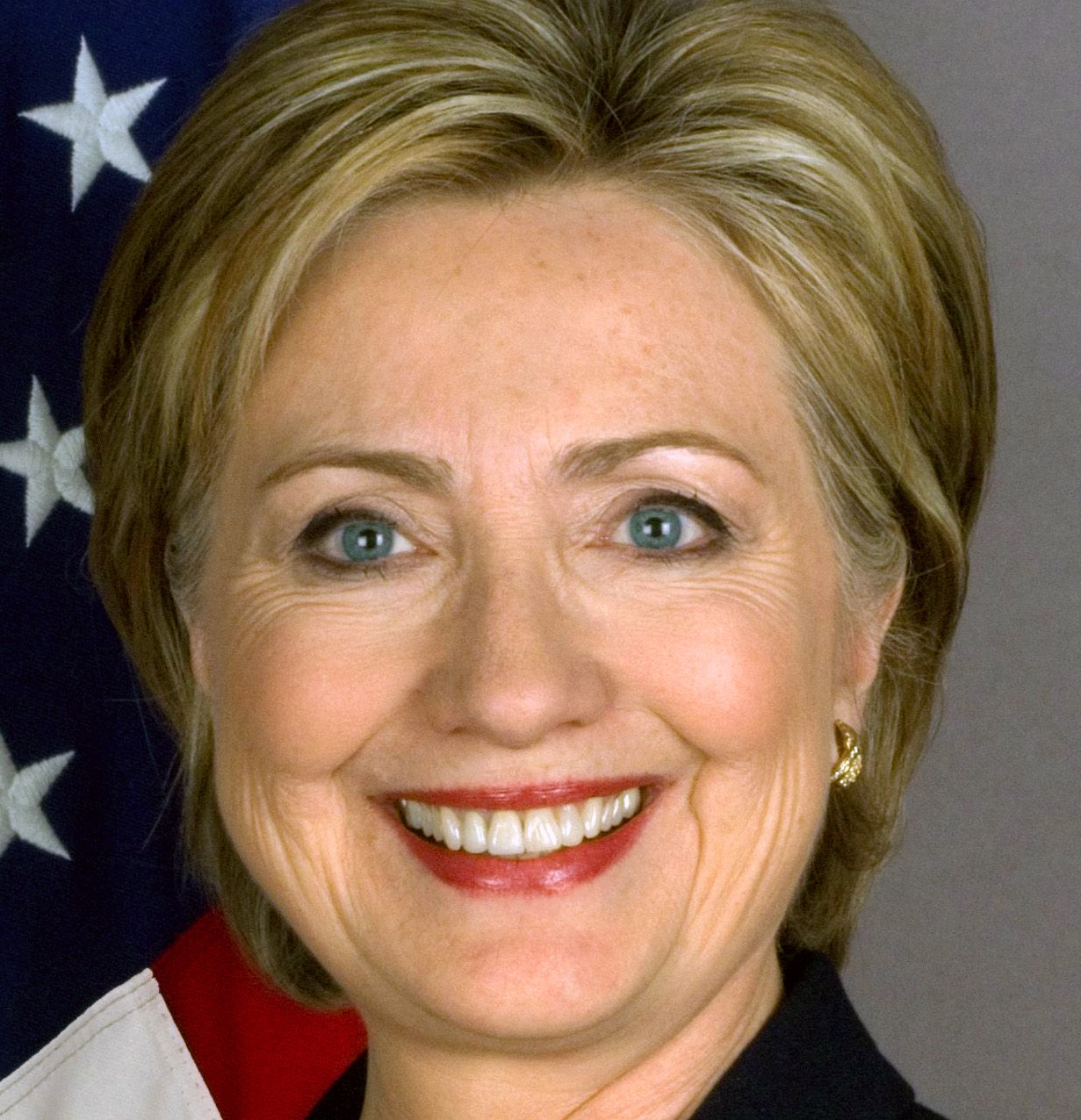
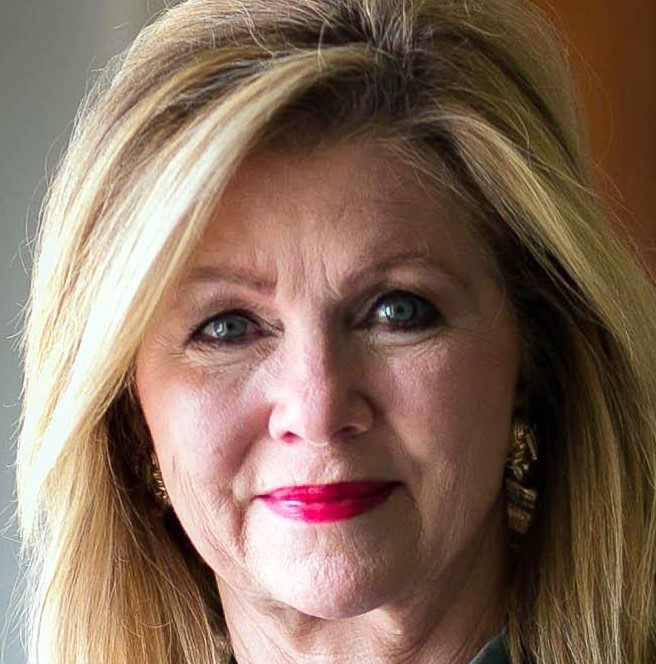
There are billions of human faces on the planet. To make face recognition even more difficult, most faces share similar shapes and textures. Deep learning face recognition models quantifies the faces, constructing an embedding (quantification) for an individual face.
To encode our reference faces:
$ fd = detect.FaceDetector()

$ portraits = utils.glob(REF_DIR, "[\w]+.jpg")
$ reference_images = [detect.FaceImage(p) for p in portraits]

$ encoded_faces = [fd.find_faces(r).faces[0] for r in reference_images]
$ reference_batch = detect.FaceBatch(encoded_faces, is_reference=True)
To recognize an unknown face in a new photo:
$ fd = detect.FaceDetector()
$ fr = detect.FaceRecognizer(ENCODED_REF_DIR)

$ face_image = detect.FaceImage(NEW_IMG)
$ face_image = fd.find_faces(face_image)  # FaceImage

$ face_image = fr.predict_names(face_image)
$ print(face_image.retrieve_names())

Verification
We create a labelled dataset by taking the initial results of dlib and generating folders for each person of interest. We will then place all the cropped faces found by dlib into these folders along with a verified image of the person of interest. Then we go through each of the folders to manually spot any faces that do not belong to a person. Any faces of random people will be placed in the unknown folder.
To place face thumbnails of detected/recognized faces into the correct folder:
$ face_image_results.write_faces(OUTDIR, marked=True)